
About eSIM
ESIM device operation manual:
Article focused on eSIM functionality, uses, step-by-step setup, and benefits:eSIM Explained: What It Is and Why It Matters
What is eSIM?
Embedded SIM card/electronic SIM card—— eSIM (embedded SIM) is a tiny digital chip built into devices (like phones, tablets, or gateways). By applying to the operator for eSIM data to be written into the device's blank card chip, all functions of the physical SIM card are achieved; that replaces physical SIM cards, you can:
-
Store multiple carrier profiles (e.g., AT&T, Vodafone) on one device.
-
Switch networks remotely with a few clicks—no physical changes needed.
Where Can You Use eSIM?
eSIM is perfect for:
-
Business Communication
-
Connect office phone systems (VoIP) to cellular networks for backup during internet outages.
-
-
Travel or Global Teams
-
Switch to local mobile networks when traveling—no roaming fees.
-
-
IoT Devices
-
Manage sensors, security cameras, or payment terminals with reliable cellular connections.
-
-
Emergency Backup
-
Keep critical systems online during power or internet failures.
-
How to Use eSIM: Simple Step-by-Step Guide
Step 1: Get an eSIM-Compatible Device
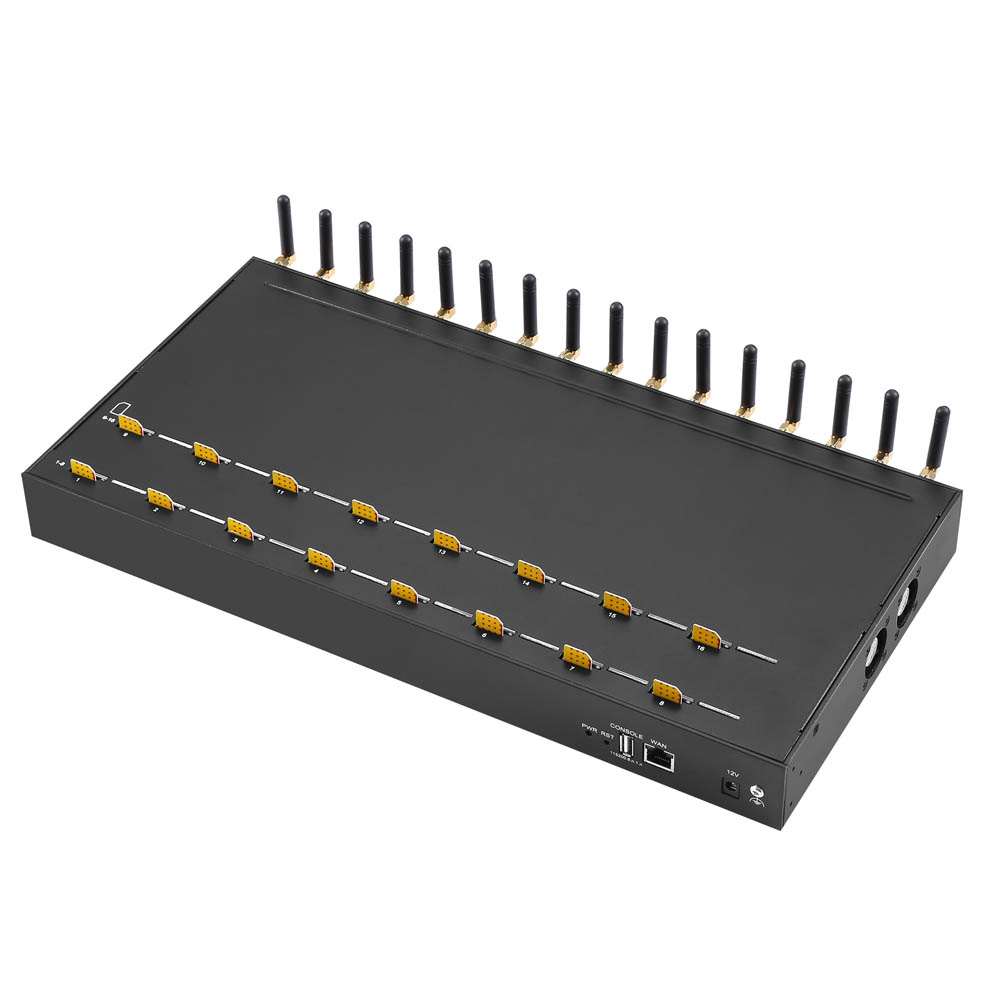
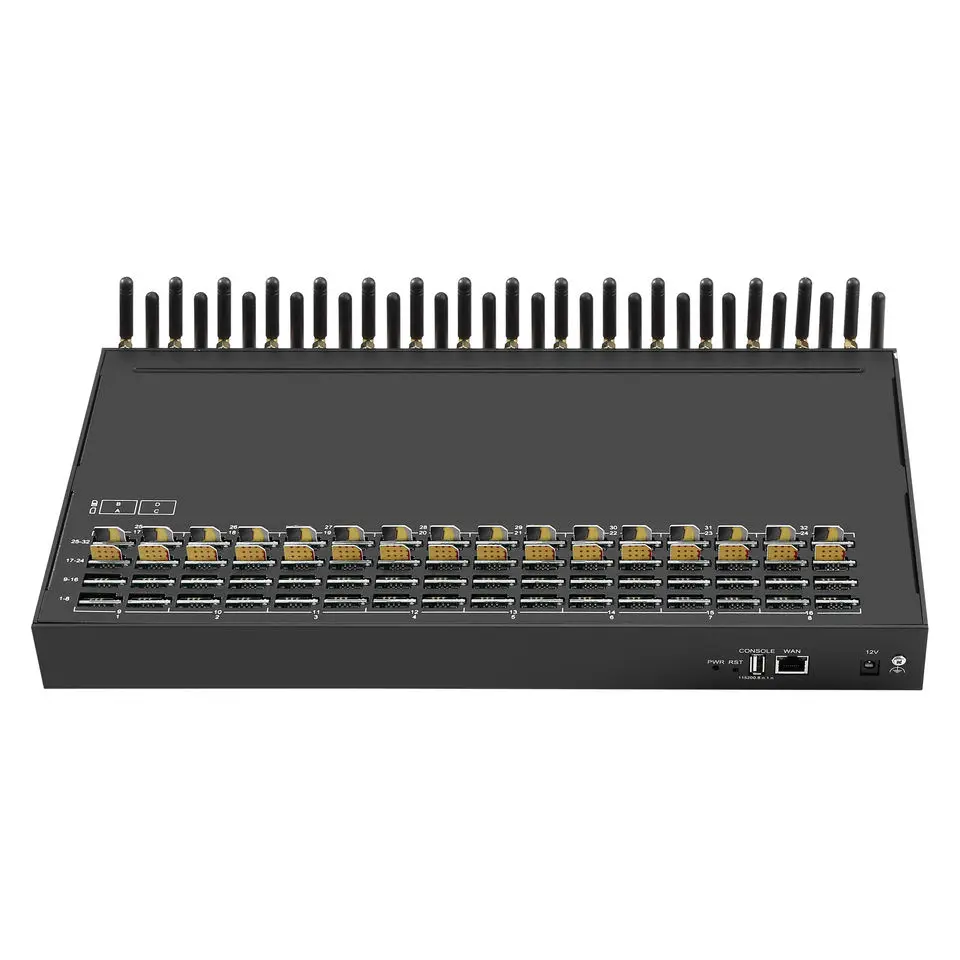
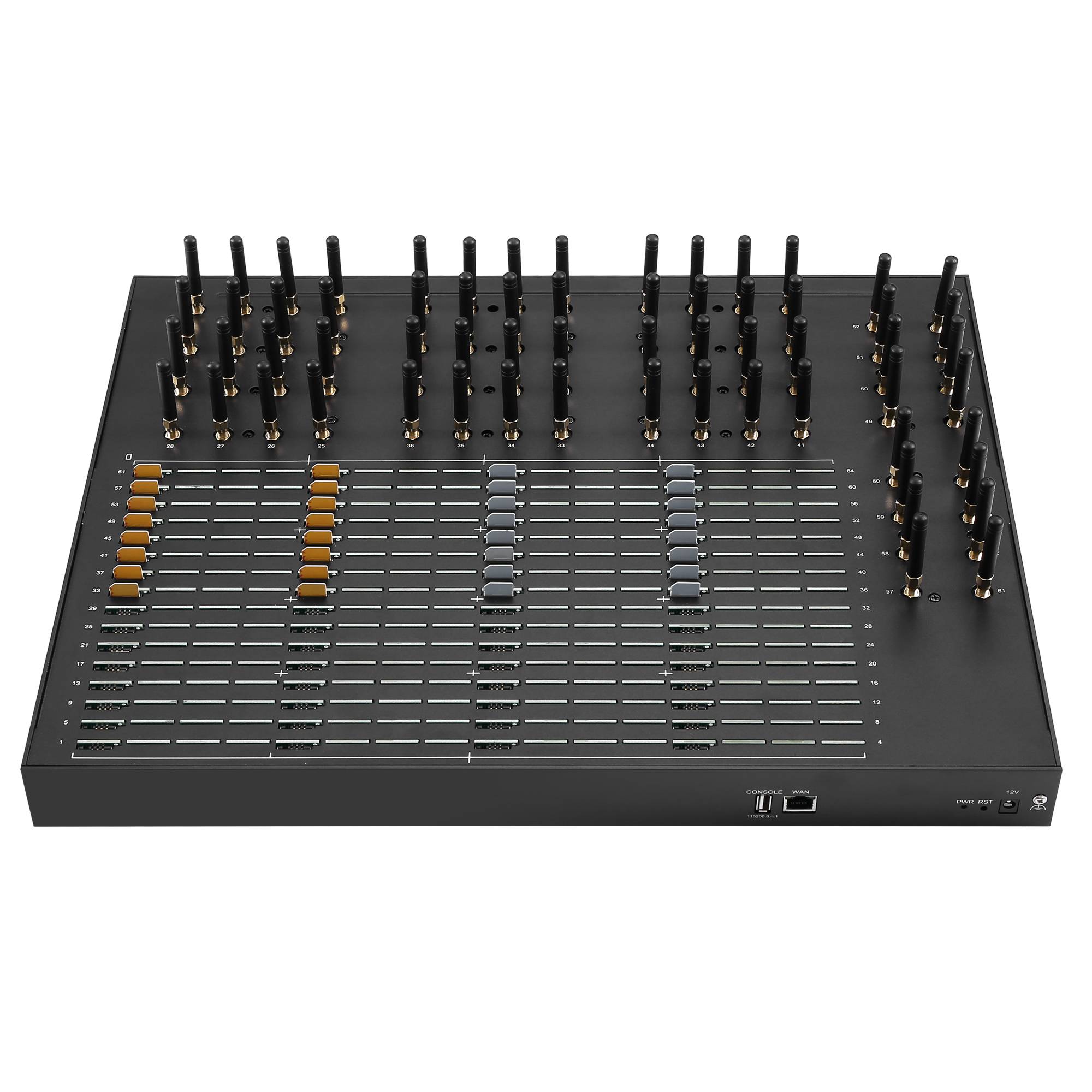
Choose a device with built-in eSIM support, like a 4G VoIP Gateway (e.g., 16-port, 32-port, or 64-port models).
Step 2: Activate Your eSIM
-
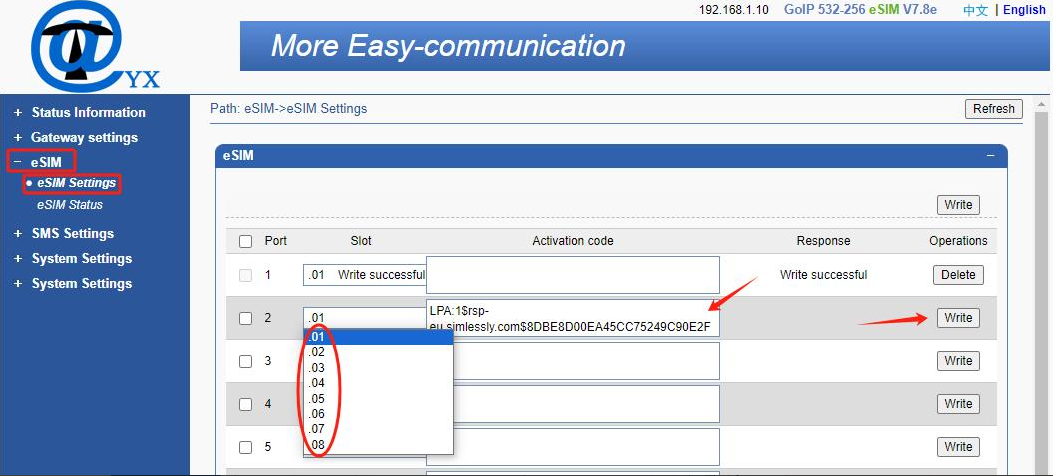
Log into the device’s online dashboard.
-
Select a mobile carrier plan (e.g., from a list of supported providers).
-
Download the eSIM profile—it takes seconds!
Step 3: Set Up Multiple Profiles
-
Assign up to 8 eSIM profiles per port (e.g., one for each country or carrier).
-
Example: A 64-port gateway can store 512 profiles total.
Step 4: Switch Networks Easily
-
Need better signal? Switch profiles manually or set rules (e.g., “Use Profile 2 if the network is weak”).
Step 5: Monitor and Update
-
Check data usage, signal strength, and switch profiles anytime—all remotely.
Top Benefits of eSIM
-
Save Money
-
Avoid expensive roaming charges by using local carrier plans.
-
No need to buy physical SIM cards.
-
-
Stay Flexible
-
Switch carriers instantly for better coverage or cheaper rates.
-
Use one device worldwide—no hardware changes.
-
-
Boost Reliability
-
Automatically switch to backup networks during outages.
-
-
Scale Easily
-
Manage thousands of devices (like IoT sensors) from one dashboard.
-
Real-Life Example: eSIM in Action
Imagine your business uses a 64-port VoIP Gateway with eSIM:
-
Each port has 8 profiles (e.g., AT&T, Deutsche Telekom, Vodafone).
-
During a storm, your internet fails—the gateway auto-switches to cellular using the strongest signal.
-
Your team keeps making calls without interruption.
Conclusion
eSIM technology makes connectivity simpler, cheaper, and more reliable. Whether you’re running a global business, traveling, or managing smart devices, eSIM lets you control your networks effortlessly—no physical SIM cards required.
Upgrade to eSIM today and stay connected, anywhere.
Need help setting up eSIM? BUY NOW! Contact us to find the right solution for your business!



